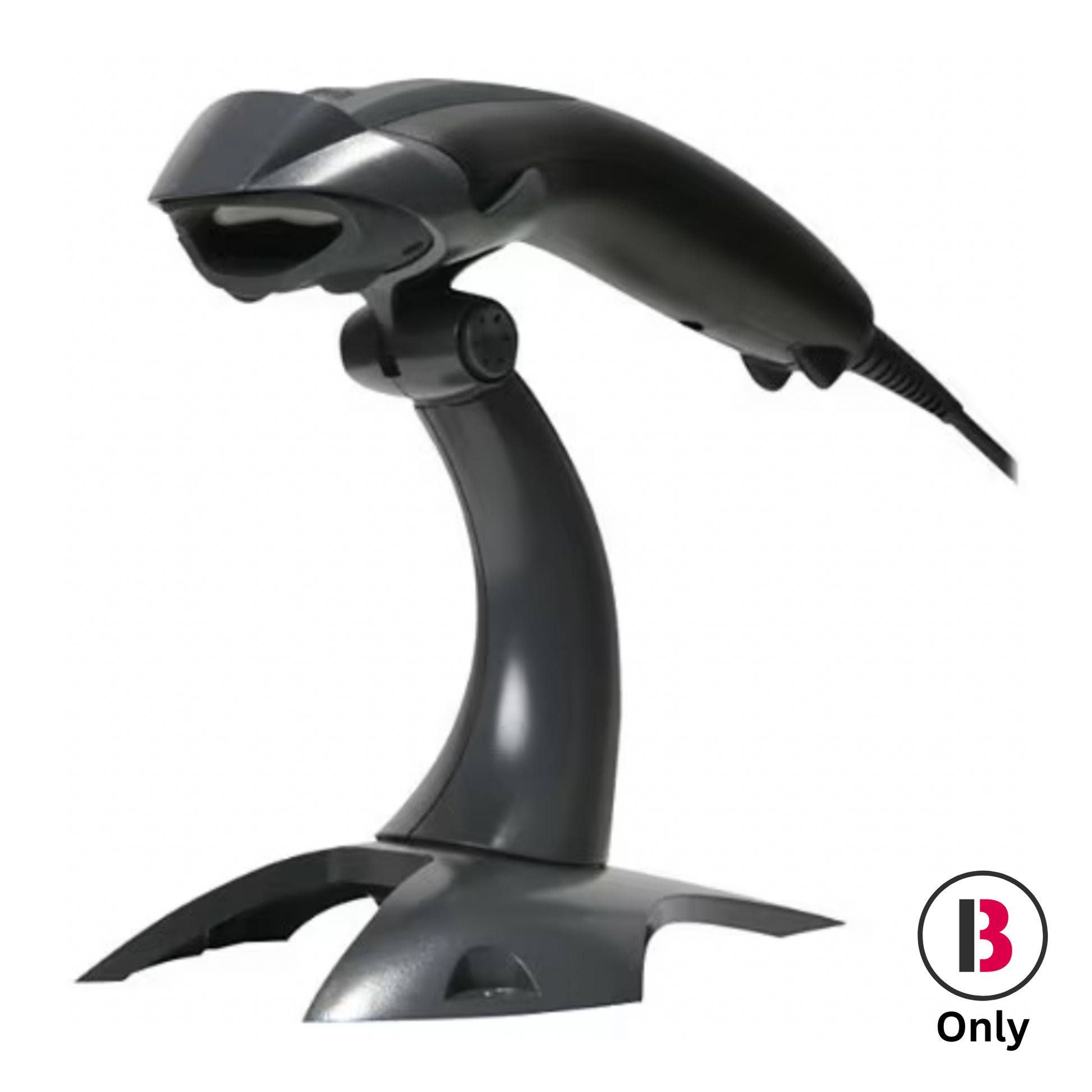
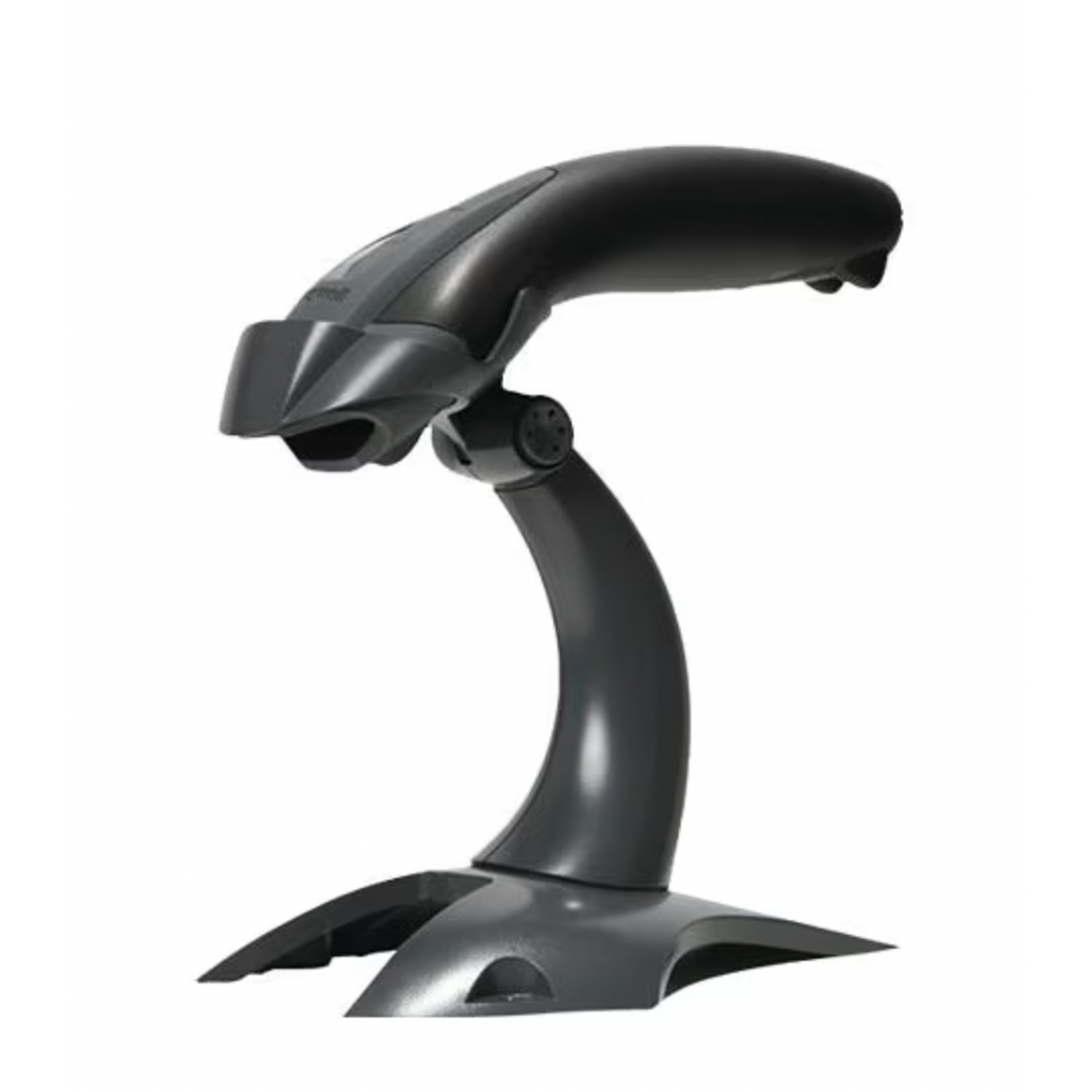
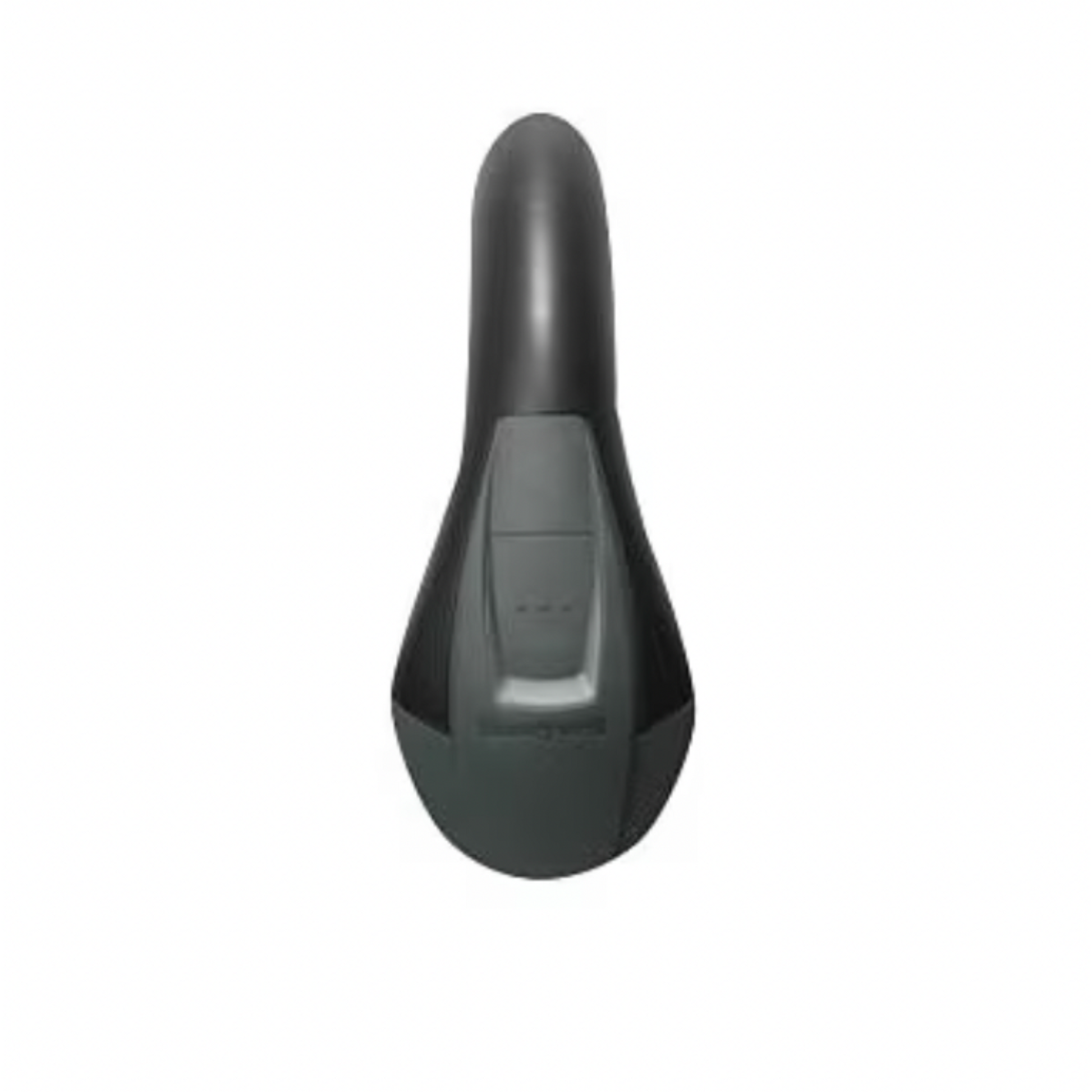
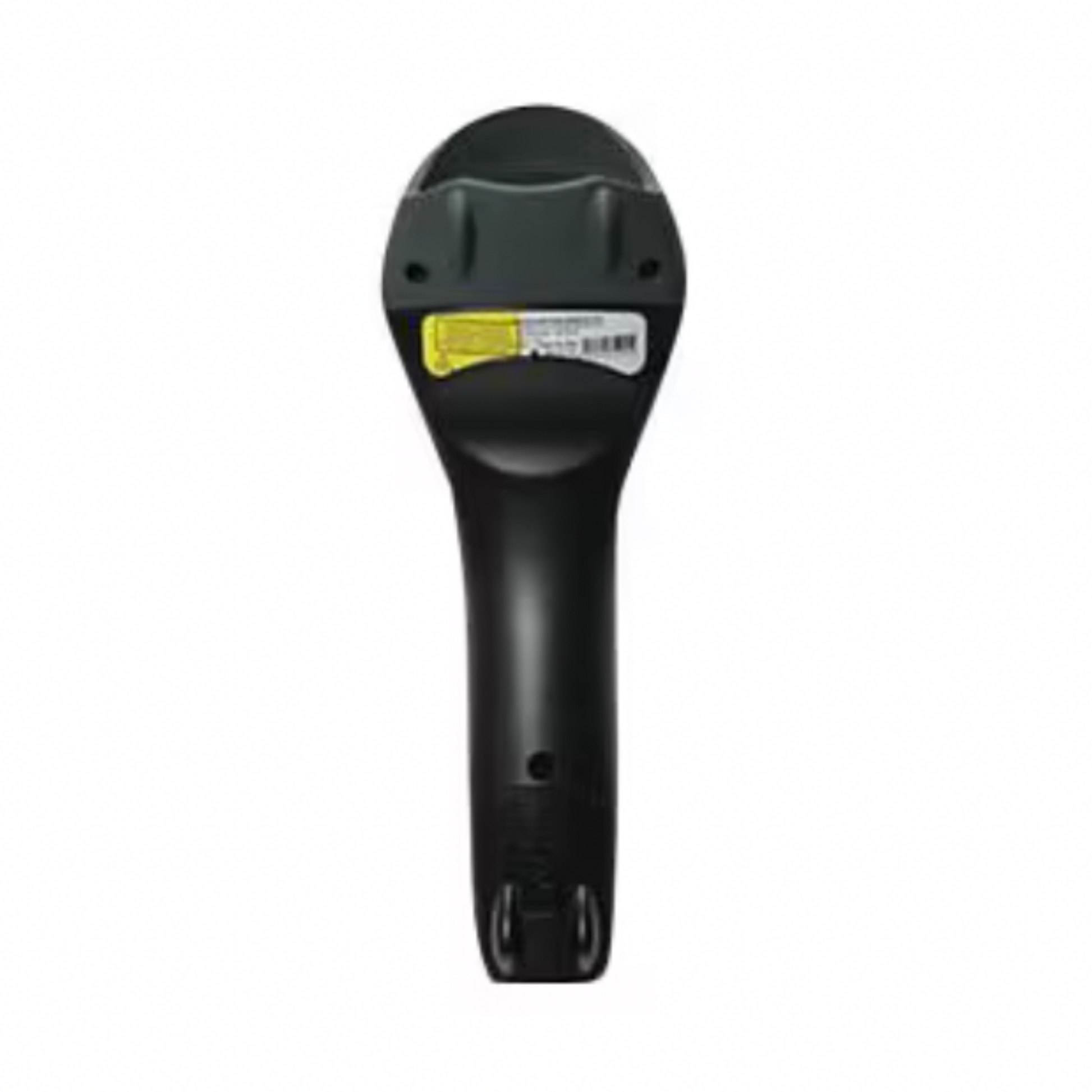
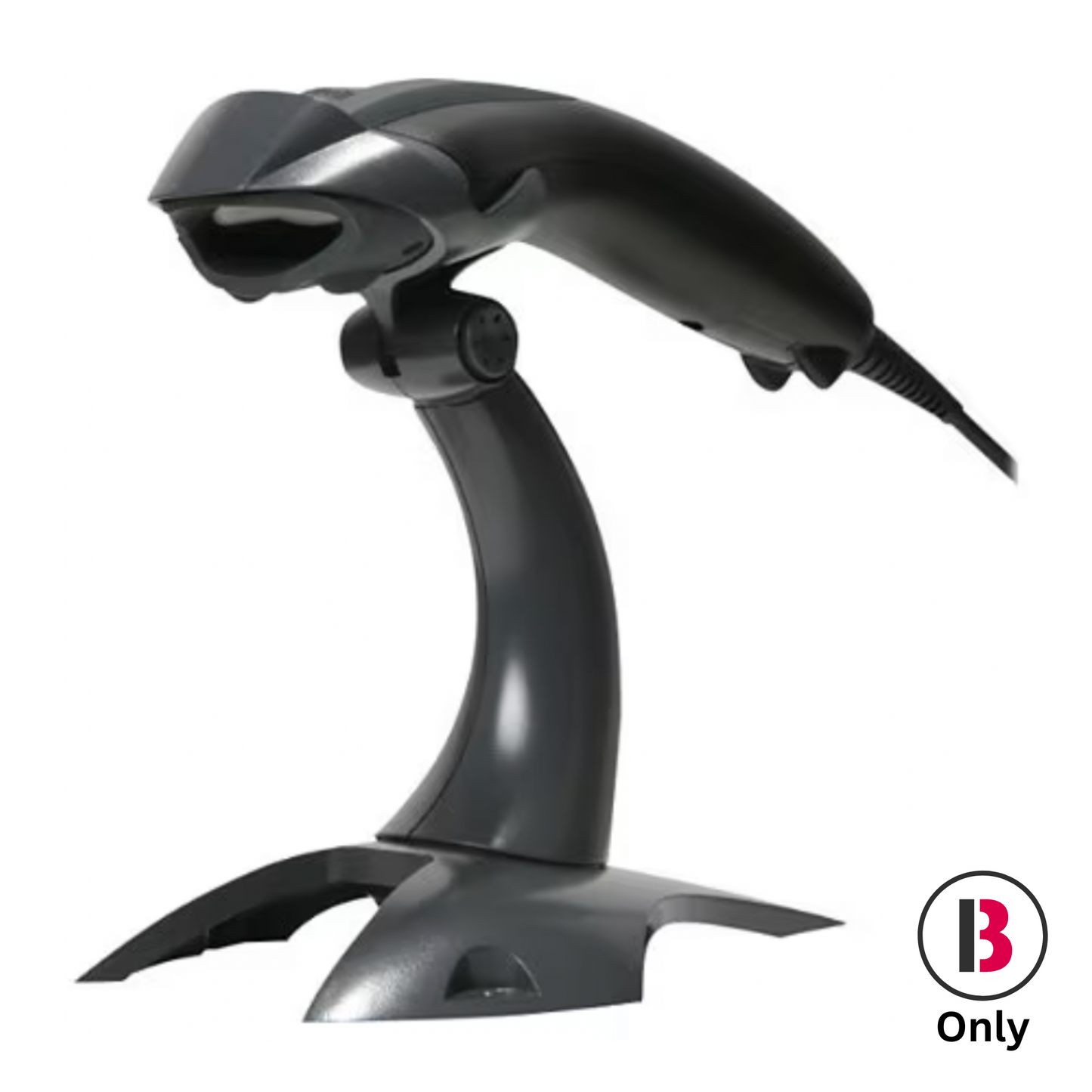
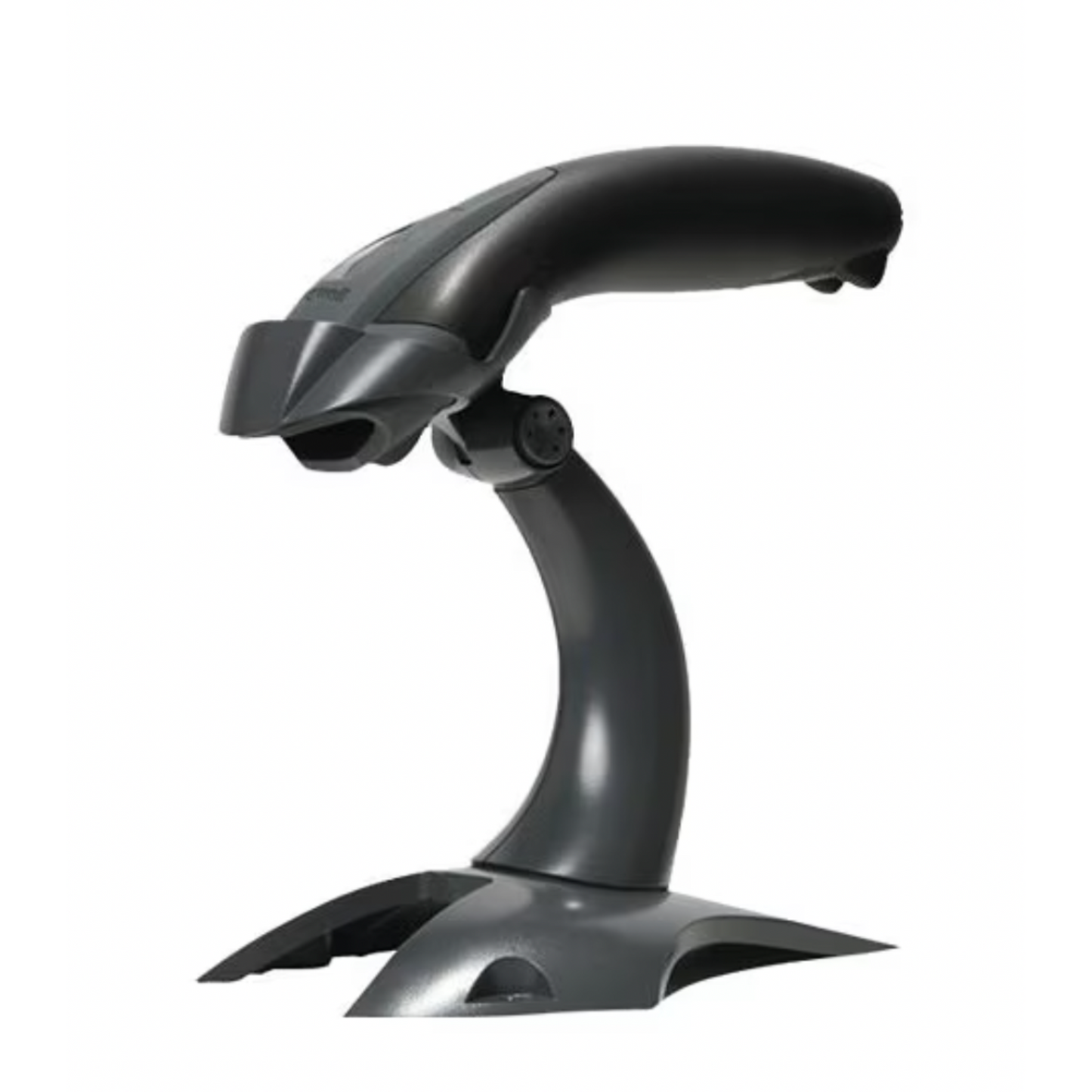
Honeywell Voyager 1400G-2D Corded Barcode Scanner
Hardware recommended for Bravo only for optimal performance and results.
The Honeywell Voyager 1400G-2D is a sleek, reliable, and easy-to-use corded barcode scanner built to work seamlessly with the Bravo POS system. Designed for fast, accurate reads, this 2D linear imager captures both printed and digital barcodes — including IDs, driver’s licenses, and mobile device displays — even when they’re faded, poorly printed, or damaged.
This model includes a wired USB interface, 1.5 m (5 ft) cable, and stand for hands-free operation, making it ideal for front counter or back-office Bravo stations.
Key Features
- 2D Linear Imager: Reads both 1D and 2D barcodes, including on mobile devices.
- Fast & Reliable: Aggressive scan engine reads even low-quality or damaged codes.
- Hands-Free Mode: Includes stand with automatic in-stand detection and configuration.
- Driver’s License & ID Ready: Reads all standard barcodes on licenses and IDs for customer verification.
- Durable Design: IP42-rated for dust and water resistance; recessed trigger resists drop damage.
- Plug & Play USB Connection: Simple setup for Bravo workstations.
Product Details
- Interface: USB (corded, 1.5 m cable)
- Type: Handheld 2D Linear Imager
- Included Accessories: Stand + USB cable
- Color: Black
- Ingress Protection: IP42
-
Dimensions:
- Height: 2.6″
- Depth: 7.1″
- Length: 1.7″
- Weight: 4.2 oz
- Model: 1400G-2D (MFG #: 1400G2D-2USB-1-N)
Compatible with Bravo ID Readers
- ScanShell 800R (566135-029)
- ScanShell 800NR (SCN2CON800NR)
Why It’s a Great Investment
- Scans both printed and digital barcodes, including driver’s licenses
- Ensures quick and accurate customer data capture for Bravo transactions
- Compact, ergonomic design built for daily use
- Reliable scanning on damaged, smudged, or worn barcodes
- Hands-free or handheld operation for flexibility at the counter
📞 Support Note
Installation support is not included with purchase.
For setup assistance, please contact Bravo Customer Support to schedule a session.
Couldn't load pickup availability
Share